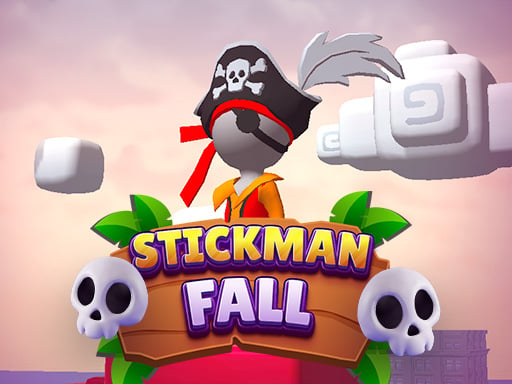
Stickman fall
4,416
Hold onto a bar suspended between two pillars using plungers. Press the spacebar to activate the plungers, which will grip the pillars and stop your fall. Carefully maneuver through a course packed with various obstacles, making sure not to bump into anything. The objective is simple yet challenging: descend as far as possible without colliding with any obstacles. Are you ready to test your skills?
Recommended Games

★ 4.8
One2One
Click or tap the screen to interact and progress through the game. Use these inputs to trigger actions, solve puzzles, and navigate challenges. Engage with elements that appear, responding promptly for optimal gameplay experience.
6,901

★ 4.4
Crowd Stack Race 3D
Slide your finger across the screen to control the game. Smooth sliding changes direction, quick taps can perform special actions. Adjust your sliding speed and direction to navigate challenges and collect items for higher scores.
7,140
★ 4.5
Desert Jump
Click or tap on the screen to interact with the game elements. This action triggers various responses depending on where you click or tap, guiding you through different levels and challenges.
6,382
★ 4.1
Hex Planet Idle
Click or tap on the screen to interact and play.
3,310
★ 4.1
Shadow Stickman Fight
On PC, use A to move left and D to move right. On Mobile, swipe or tap to move. For a smoother experience, try holding your swipes for continuous movement in one direction.
3,194
★ 4.3
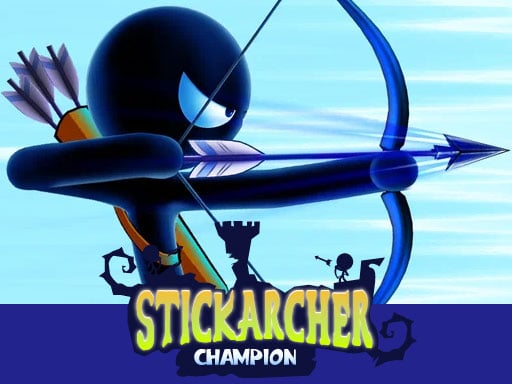
Stick Archer Champion
Move left and right to target enemies precisely and dodge their arrows. Collect coins upon completing levels to upgrade arrows, unlock new skins, and gain powers. Click with the mouse to select targets. Use 'A' and 'D' keys for movement.
4,091
★ 4.3
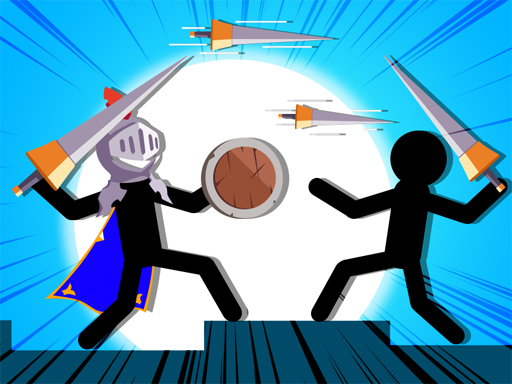
Javelin Battle
Click or tap on the screen to interact and progress through the game. Use these inputs to trigger actions, select options, or navigate within the game environment.
6,750

★ 4.3
Party Games Mini Shooter Battle
Click or tap on the screen to interact and play.
7,948
★ 4.3
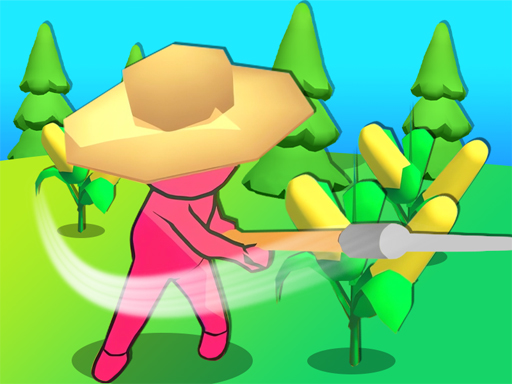
My Farm Empire
Drag and swipe to move characters across the screen. Touch and hold to sprint, swipe in opposite direction to stop or change path quickly. Use gestures for interactions within the game environment.
6,393
★ 4.3
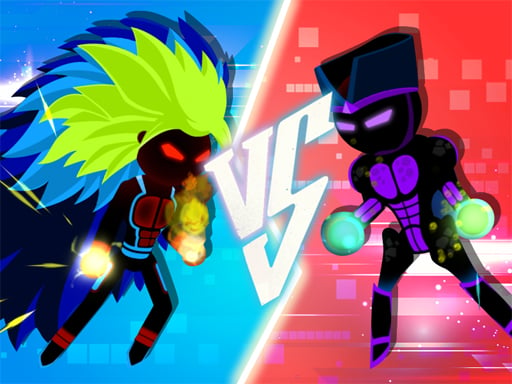
Z Stick Duel Fighting
Click or tap on the screen to interact and play.
5,662
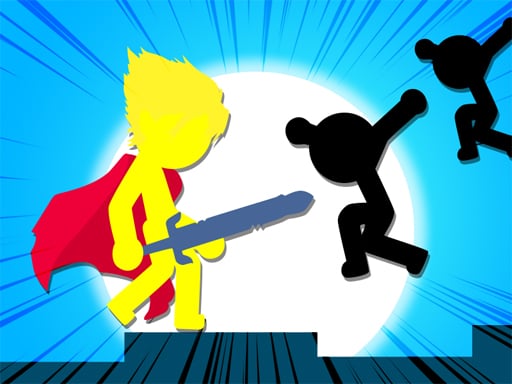
★ 4.9
Stickman The Flash
Click or tap on the screen to interact and play. Use these inputs to navigate through levels, select options, and trigger actions within the game. Engage with characters, solve puzzles, and advance by simply clicking or tapping where indicated.
5,444
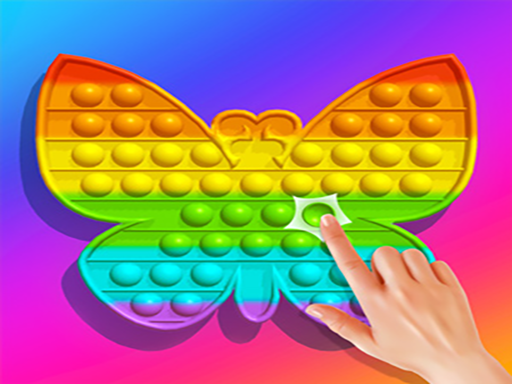
★ 4.4
Pop It 3D Fidget Toy Maker
Click or tap on the screen to interact and progress through the game. Use these inputs to respond to in-game prompts, select options, or trigger actions as indicated by the gameplay elements.
4,279
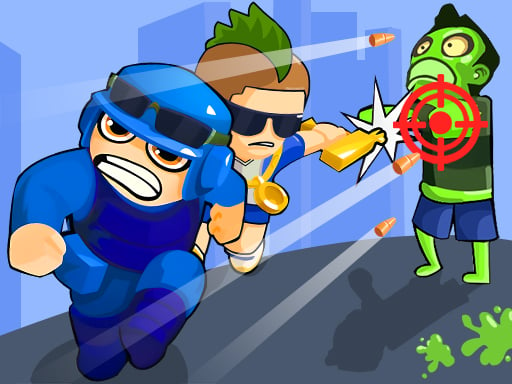
★ 4.1
Zombie Royale Io
Click or tap on the screen to interact and progress through the game.
3,848
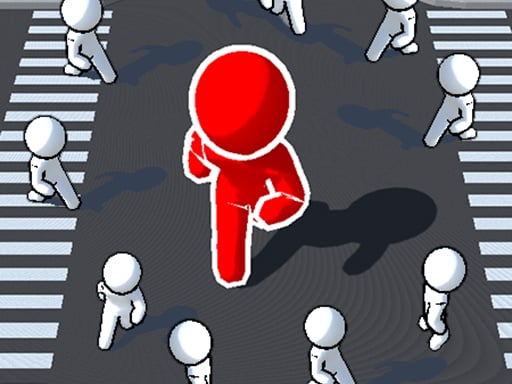
★ 4.5
City Run.io
Slide your finger across the screen to control the movement in the game or use a mouse click for the same action. This interactive approach allows players to navigate characters smoothly and react quickly to in-game challenges, enhancing the overall gaming experience.
7,820
★ 4.9
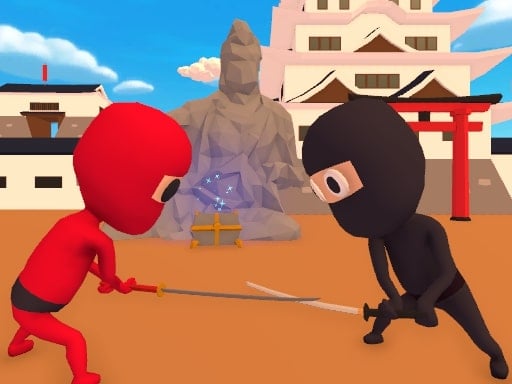
Stickman Ninja Way of the Shinobi
Control Movement with WASD Roll with Space Sword Strike using Space Combo Attack with Left mouse click Use Right mouse click Phone Tablet Use interface buttons for respective actions
4,985

★ 4.9
Assassin Knight
Click or tap the screen to interact and progress through the game. Use these inputs to trigger actions, select options, and navigate challenges designed within the game environment.
4,733

★ 4.7
Stickman Hot Potato
Use arrow keys to navigate your character. Move to collect potatoes and throw them out of your court. If a potato remains in your court for more than three seconds, you will lose points.
4,537
★ 4.5
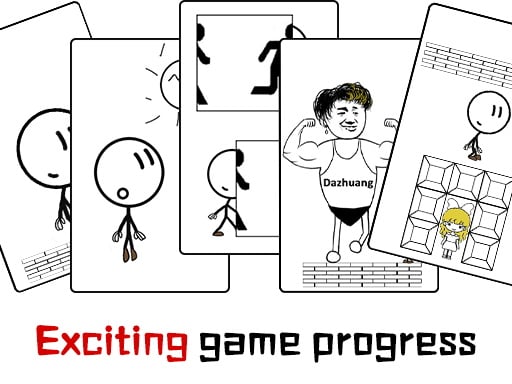
Dont be angry with match man
The main controls of the game include moving forward, moving backward, and jumping. Players use these actions to navigate through various levels, avoiding obstacles and collecting items. Forward and backward movements help in positioning the character precisely, while jumping allows overcoming gaps and reaching higher platforms.
6,564
★ 4.2
Stick Run Parkour
WASD controls character movement. P pauses the game. Pressing Space starts the game. Use W to move forward, S to move backward, A to move left, and D to move right. Pause anytime with P and begin the game or resume after pausing with Space.
6,132