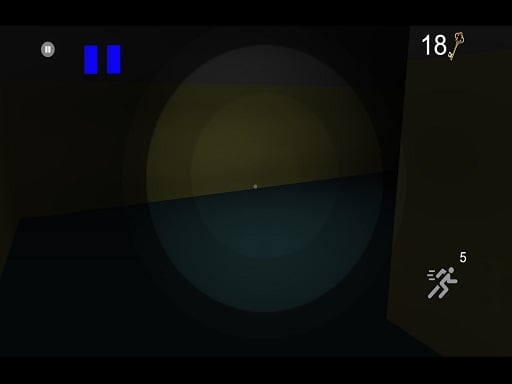
Anderson o Chapeleiro
7,527
Luiz, after accepting an invitation to play, found himself transported to a dark and gloomy world. There, he met Anderson the Hatter, who presented him with a life-or-death challenge: play a game or face certain death. Anderson the Chaplain handed Luiz three cards, each representing a different game. Luiz chose "The Lost Keys." To win, Luiz must locate all 20 lost keys hidden within a treacherous labyrinth, ultimately securing his escape from this perilous world.
Recommended Games

★ 4.1
Real Pool 3D
Click or tap the screen to interact and progress in the game.
5,999

★ 4.1
Indian Wedding: DressUp Makeup
Click or tap the screen to interact and progress in the game. Use mouse clicks for desktops or touch taps for mobile devices to trigger actions, select options, or navigate through the game environment.
6,987

★ 4.9
Animals Mix Up AI Hybrid
Click or tap on the screen to interact and play. Use these inputs to navigate through levels, select options, and engage with game elements. This direct interaction method allows for an intuitive and responsive gaming experience.
6,609

★ 4.6
Fruits Juice Runner
Click or tap the screen to interact and progress through the game.
4,907

★ 4.0
Cube Tower Stack 3D
Click or tap on the screen to interact with the game elements. This action triggers various responses depending on where you click or tap, such as selecting items, making characters move, or initiating actions within the game world.
6,705

★ 4.0
Bank Robbery Puzzle Shooter
Click or tap the screen to interact and progress through the game.
3,774

★ 4.4
Number Run 3D Casual Game
Click or tap the screen to interact and progress through the game. Use these inputs to respond to in-game prompts, solve puzzles, and navigate challenges.
7,750

★ 4.0
Tabla Drum Kit Music
Click or tap on the screen to interact and play. Use these inputs to navigate through the game, trigger actions, and make selections. Engage with the game world by simply pointing and clicking for an intuitive gaming experience.
5,479
★ 4.2
Food Slicer Food Cutting Game
Click or tap on the screen to interact with the game elements, triggering actions, selecting options, or making selections as prompted.
4,040

★ 4.3
Candy Balls
Click or tap on the screen to interact and progress through the game. Use these inputs to trigger actions, select options, or control elements within the game environment.
5,744

★ 4.8
ULTIMATE STUNT CAR CHALLENGE
It is played using Arrow Keys on your keyboard. Move forward with the UP ARROW, go back with the DOWN ARROW. Use the RIGHT and LEFT ARROW keys to maintain balance.
7,968

★ 4.7
Cut the Grass Cutting Grass
Click or tap the screen to interact and progress through the game. Use these inputs to trigger actions, select options, and engage with elements within the game environment.
6,948
★ 4.9
Christmas Snowball Arena
Drag and swipe to control your snowball's direction and speed. Launch it at targets to score points. Strategize by aiming for multiple targets with a single throw for bonus scores. Avoid obstacles to ensure your snowball reaches its mark. Use power-ups to enhance your snowball's size or speed for greater impact.
7,238
★ 4.2
War Planes
In this gameplay, players engage in a series of repetitive tasks that enhance their skills and progress through levels by inputting sequences accurately and swiftly. Each correct sequence advances them, while mistakes reset the challenge, teaching precision and memorization.
5,946
★ 4.8
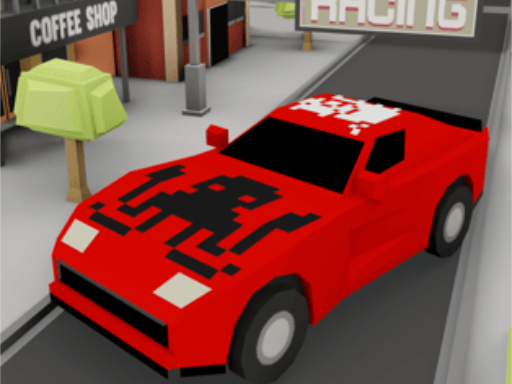
TT Racing Game
Click or tap the screen to interact and progress through the game. Use these inputs to respond to in-game prompts and solve challenges.
5,911

★ 4.4
Renovation!
Click or tap on the screen to interact and play. Use these inputs to navigate through levels, select options, and engage with elements within the game environment. This direct interaction method allows for an intuitive and responsive gaming experience.
4,409
★ 4.2
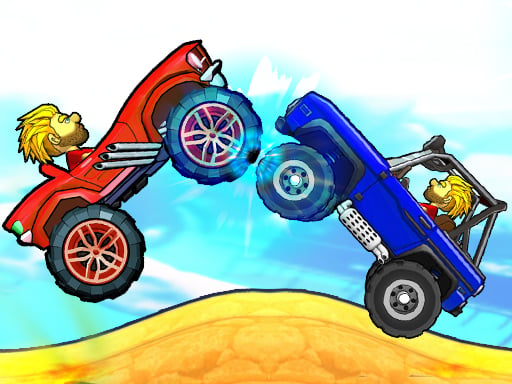
Drive Dead 3D
In this game, the first player controls movement using the right and left arrow keys. For the second player, movement is controlled with the A and D keys. This setup allows for easy navigation and interaction within the game environment, enhancing gameplay dynamics for both players.
4,879
★ 4.2
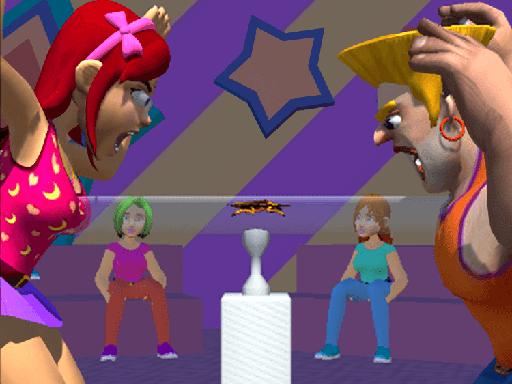
Blow Them Down
Use 'A' and 'D' keys or swipe left and right on your device to control inhaling and exhaling actions. Alternatively, touch the virtual buttons on your screen for the same controls.
7,160

★ 4.6
Here Your Pizza
Click or tap on the screen to interact and play. Use these inputs to navigate through the game, trigger actions, and make selections. Engage with elements by simply pointing and clicking for an intuitive gaming experience.
5,630